> ## Documentation Index
> Fetch the complete documentation index at: https://docs.assignbots.com/llms.txt
> Use this file to discover all available pages before exploring further.
# Managing teams
# 🛠️ Managing Teams
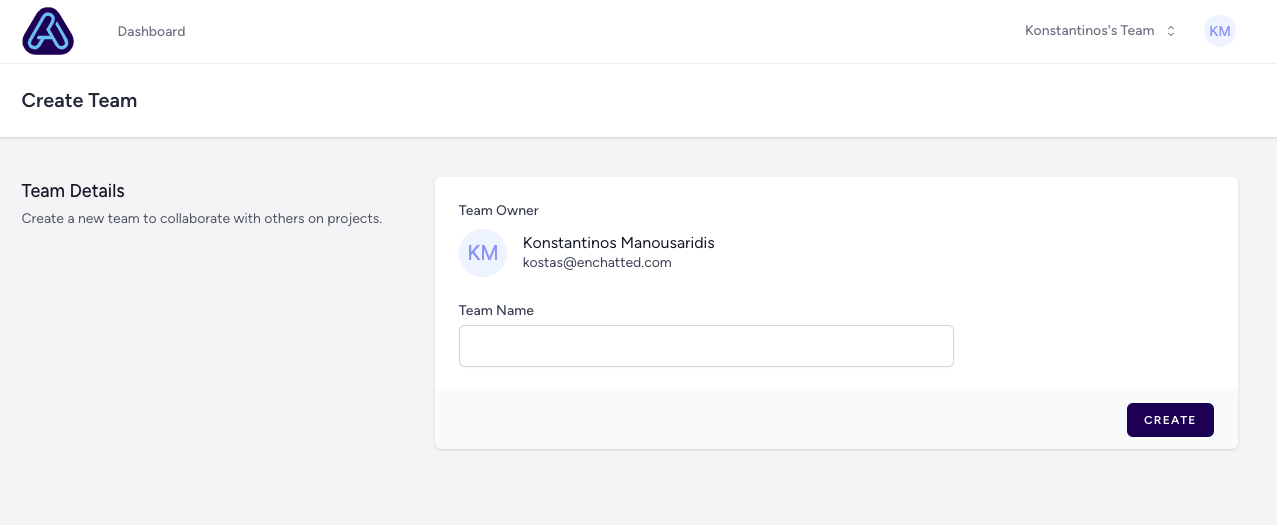
Once a team is created, team owners and administrators can manage its members and settings from the **Team Settings** page.
***
### 🧾 Update Team Name
To change the team name:
1. Go to the team dropdown and select **Team Settings**
2. Under **Team Name**, update the name field
3. Click **Save**
This helps distinguish between multiple active teams.
 ***
### 👥 Manage Members
In the **Add Team Member** section, you can invite more collaborators by email.
When adding someone, choose a role:
* **Administrator**: Full permissions, including adding/removing users and deleting the team
* **Editor**: Can create, update, and manage bots
* **Viewer**: Can only view analytics and published bot content
You can remove or update roles for existing members at any time.
***
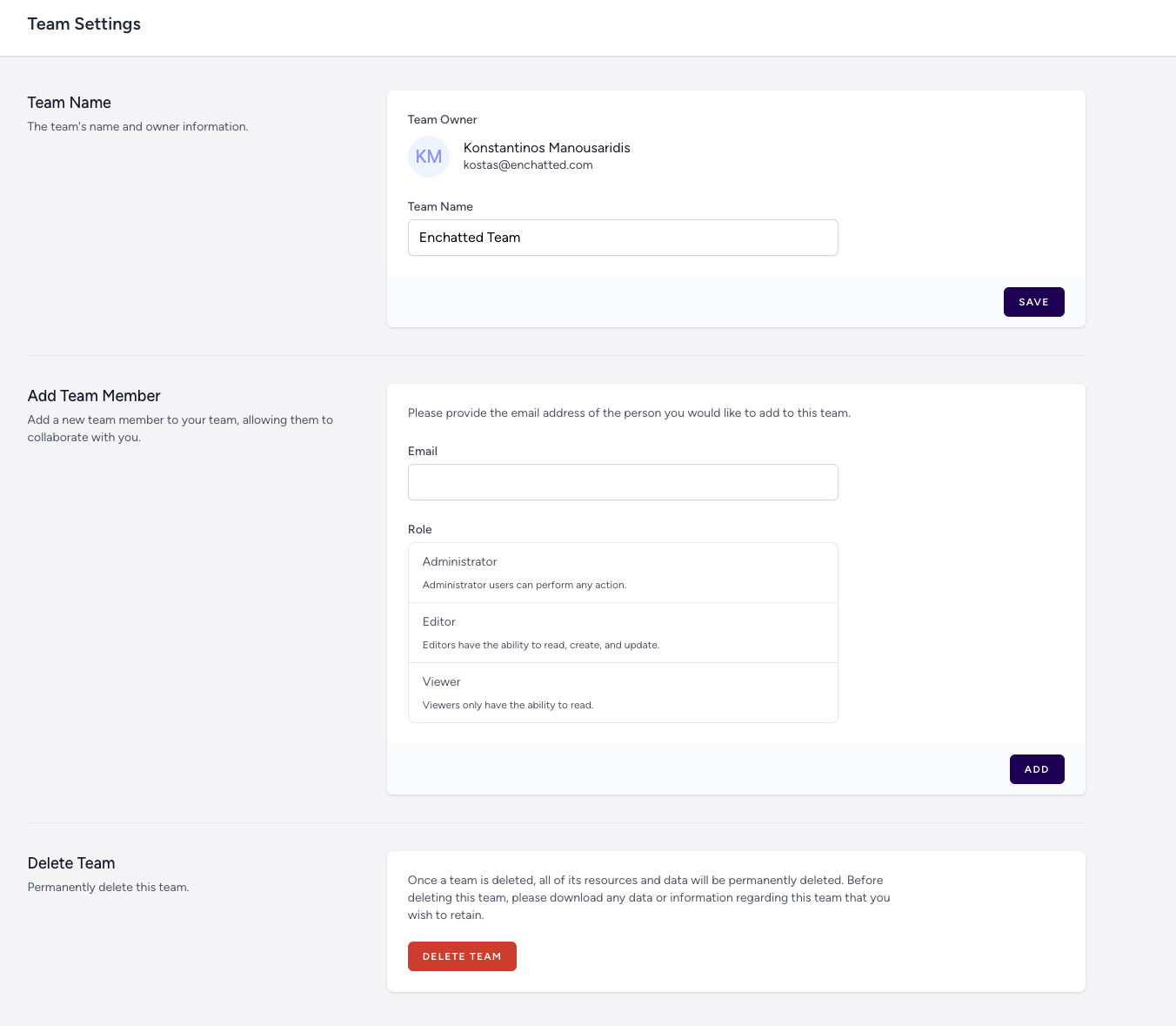
### 👥 Manage Members
In the **Add Team Member** section, you can invite more collaborators by email.
When adding someone, choose a role:
* **Administrator**: Full permissions, including adding/removing users and deleting the team
* **Editor**: Can create, update, and manage bots
* **Viewer**: Can only view analytics and published bot content
You can remove or update roles for existing members at any time.
 ***
### ✉️ Inviting Members by Email
Invited users will receive an email like this:
***
### ✉️ Inviting Members by Email
Invited users will receive an email like this:
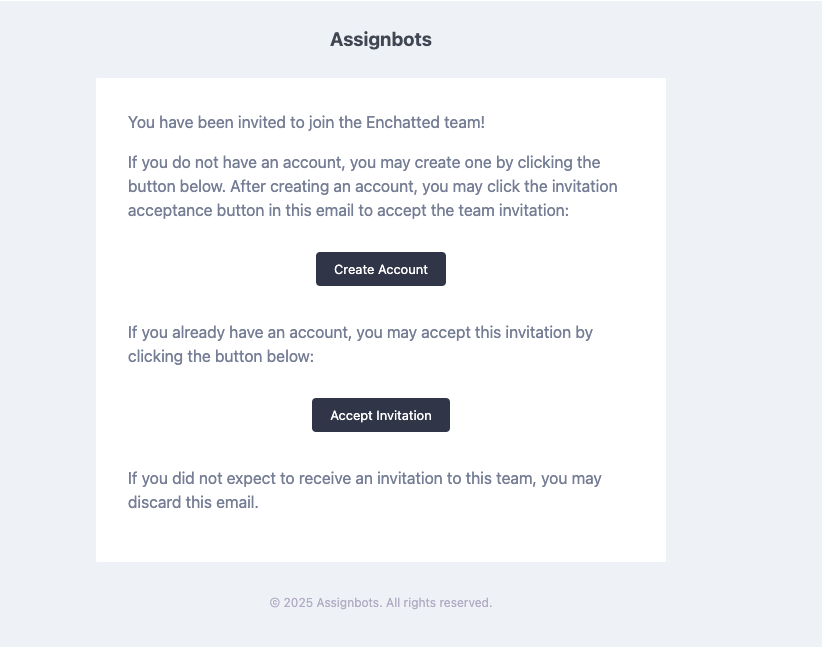 They can:
* Create an account if they don’t already have one
* Accept the invitation and join your team workspace
***
Each team workspace is completely separate. Members only see bots and conversations within the teams they’ve joined.
***
### 🗑️ Deleting a Team
If you're the **Team Owner**, you can delete the team entirely from **Team Settings**.
This will remove:
* All bots associated with the team
* All members’ access
* All conversation analytics and stored data
⚠️ This action is irreversible.
***
With teams, you can scale your bot-building workflows across departments, teachers, or research groups — while keeping everything organized and secure.
They can:
* Create an account if they don’t already have one
* Accept the invitation and join your team workspace
***
Each team workspace is completely separate. Members only see bots and conversations within the teams they’ve joined.
***
### 🗑️ Deleting a Team
If you're the **Team Owner**, you can delete the team entirely from **Team Settings**.
This will remove:
* All bots associated with the team
* All members’ access
* All conversation analytics and stored data
⚠️ This action is irreversible.
***
With teams, you can scale your bot-building workflows across departments, teachers, or research groups — while keeping everything organized and secure.